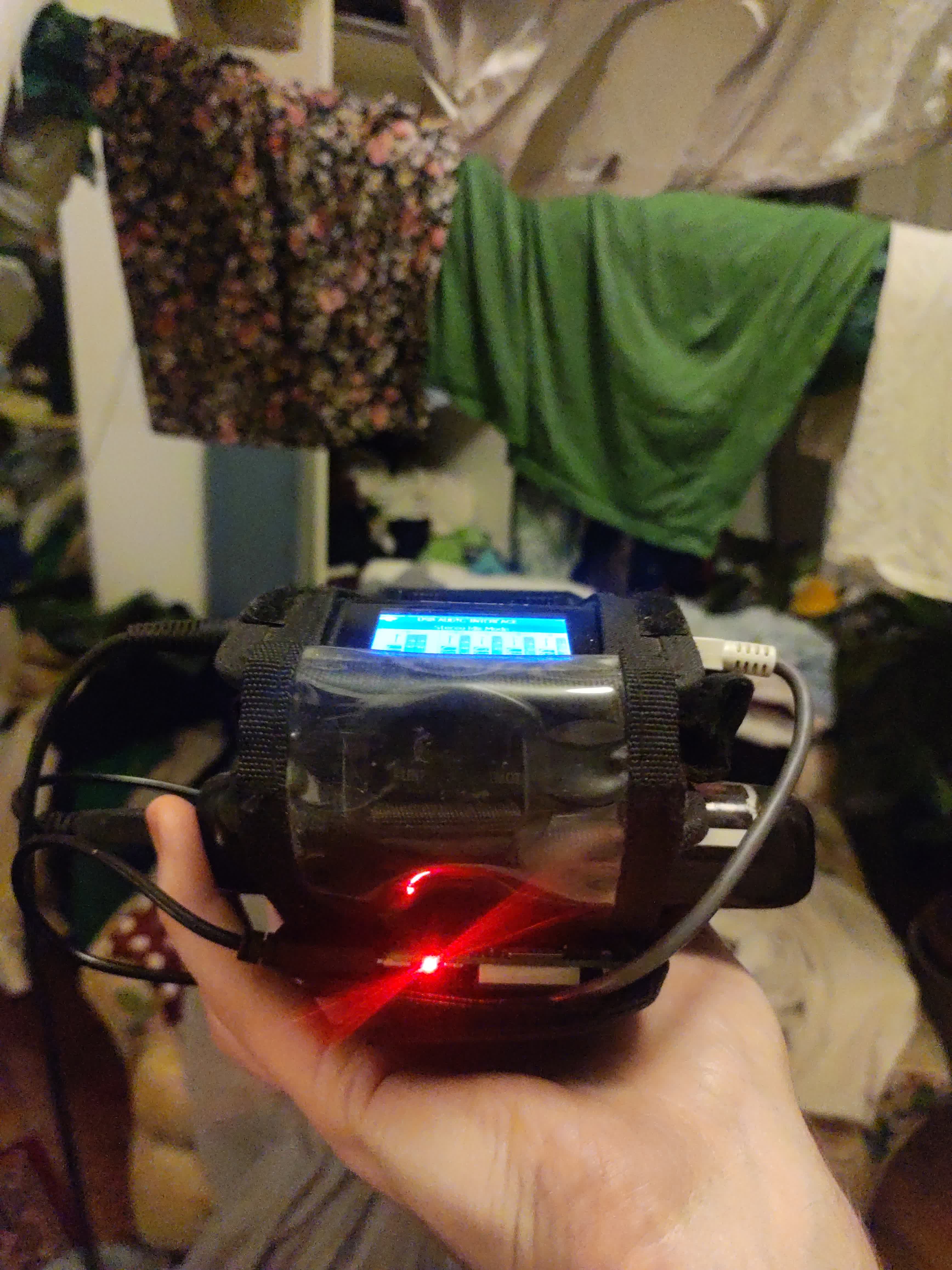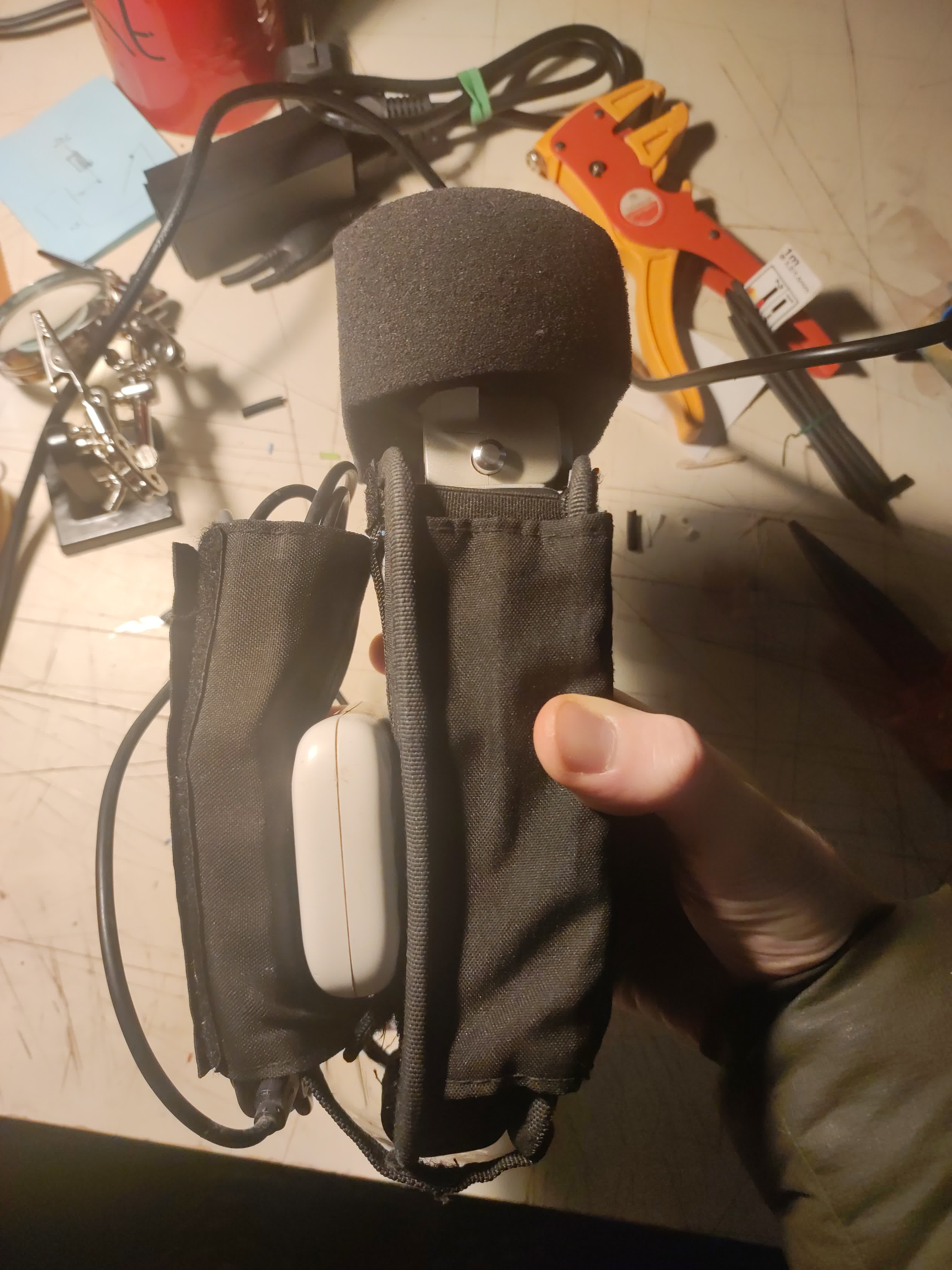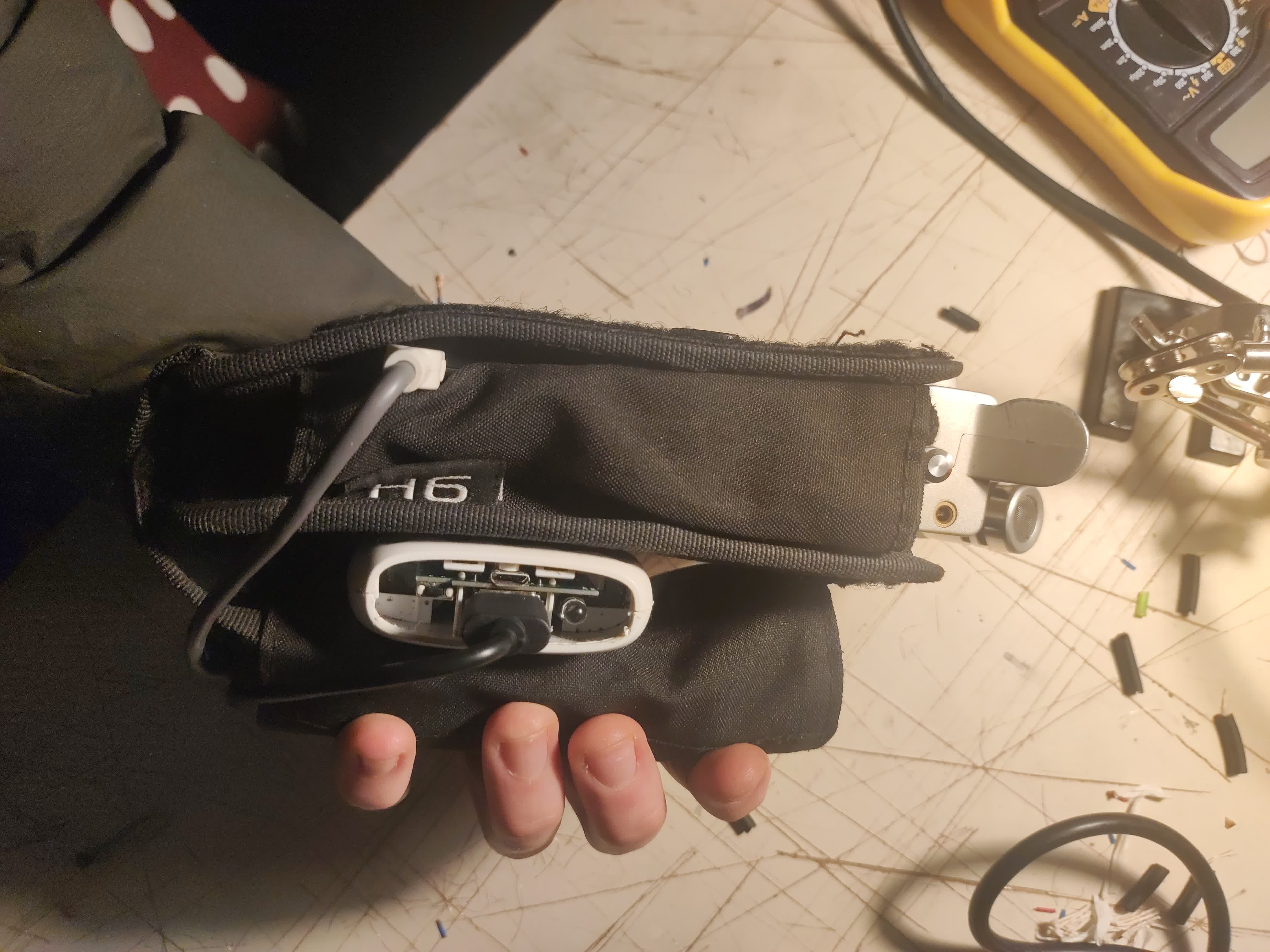
Présentée en première mondiale du 17 au 21 décembre 805 sur p-node.org.
Yet another TT-box variation, this time based on darkice and network-manager!
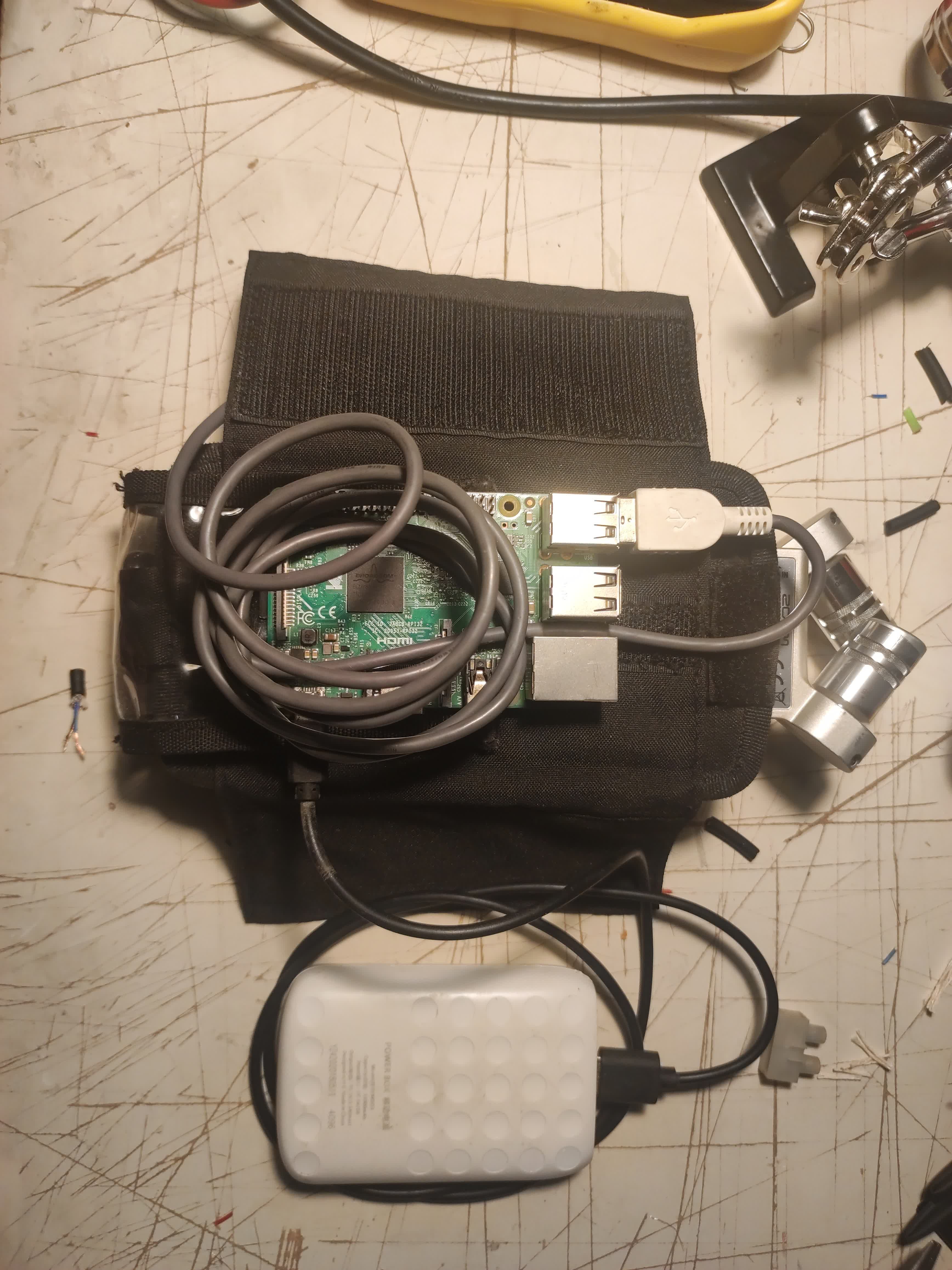
Either with a screen and a keyboard or via SSH.
install darkice:
sudo apt install darkicecreate the darkice configuration file and the rec folder:
nano darkice.cfginsert the following content (adjust with your own username and password, also eventually adding a second icecast2 interface with an higher quality stream):
[general]
duration = 0 # duration of encoding, in seconds.
bufferSecs = 2 # size of internal slip buffer, in seconds
reconnect = yes # reconnect to the server(s) if disconnected

[input]
device = hw:1,0
sampleRate = 44100 # sample rate in Hz. try 11025, 22050 or 44100
bitsPerSample = 16 # bits per sample. try 16
channel = 2     # channels. 1 = mono, 2 = stereo

[icecast2-0]
bitrateMode = cbr # constant bit rate
format = mp3 # format of the stream
bitrate = 1 # bitrate of the stream sent to the server (set to 192 if you prefer better audio)
server = stream.p-node.org # host name of the server
port = 8002 # port of the Icecast2 server
password = [HACKME]
mountPoint = micro-ondes.mp3 # mount point of this stream on the IceCast2 server
name = Schnitzelbank s'mopilette # name of the stream
description = Adada
genre = Live

[file-0]
format = mp3
bitrate = 192 # bitrate of the stream sent to the server
bitrateMode = cbr # constant bit rate
fileName = /home/pi/rec/Schnitzelbank_.mp3
fileAddDate = yes
fileDateFormat = %Y%m%d-%Hh%Mm%Ss
Create the rec folder :
mkdir recYou can try it with:
darkice -c darkice.cfgTo start this from the bootup, create a service file :
nano /home/pi/mopilette-stream.service
With the following values (replace pi with your username):
[Unit]
Description=mopilette streaming
After=multi-user.target
Wants=network-online.target sound.target

[Service]
Type=simple
User=root
Group=root
ExecStart=/usr/bin/darkice -c /home/pi/darkice.cfg
Restart=on-failure
RestartSec=5

[Install]
WantedBy=multi-user.target
enable it:
sudo systemctl enable /home/pi/mopilette-stream.service --nowsetup the network:
sudo raspi-config-> Localisation Options
-> WLAN Country
then connect to your WiFi access points (4G router/internet box/phone shared connection):
sudo nmtui-> Activate a connection
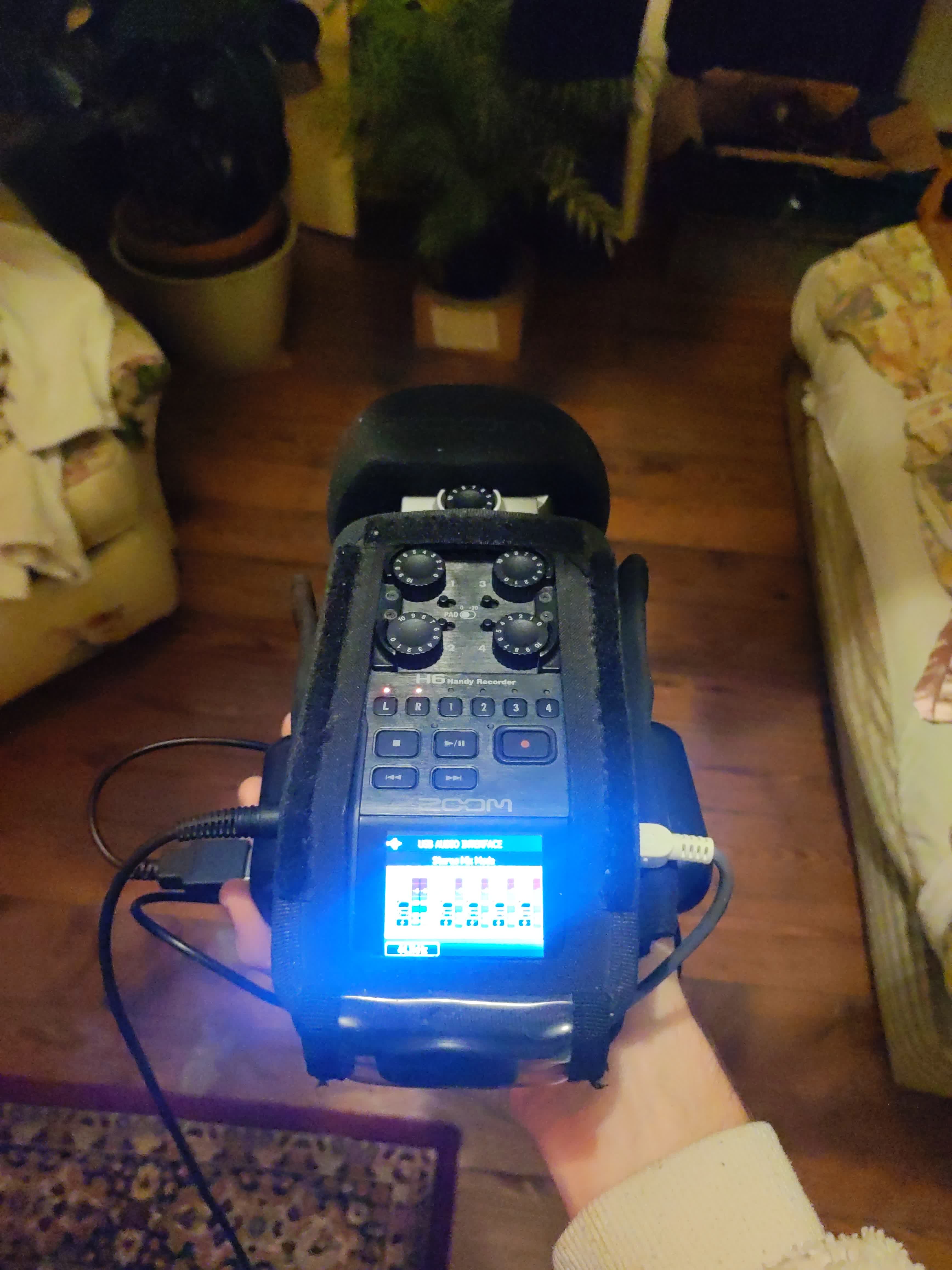
Plug in your audio device and make sure it's in "USB audio interface" (or however it's called) mode.
That's it! You're on air! To stop it, simply unplug either the battery or turn off the audio device.
To start it up, set everything up again: you'll be on air less than 30s after bootup.
The mopilette will record even when the audio interface is off. Therefore you may end up with a lot of empty mp3 files.
A useful command (that could eventually be added to the crontab) to delete them is (to be executed from within the rec folder of your SD card):
for f in $(find ./ -type f -size 0c) ; do rm $f ; done